Updated 28 August 2026
How to claim your business on Kamalia — free, in 2 minutes
Your shop is probably already listed on Kamalia. Here's how to claim it free and take control of your page.
KEWritten by
Kamalia Enterprises
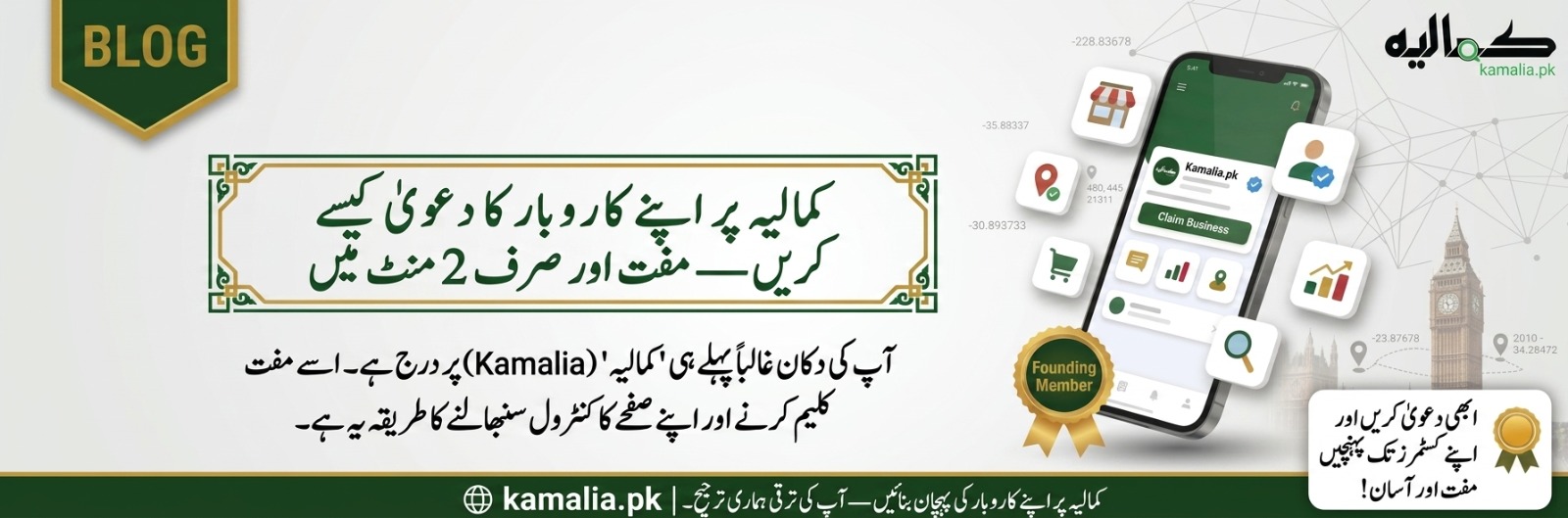
If you run a shop, clinic, school, or any business in Kamalia, there's a good chance your business is already on the platform — we pre-listed the city's publicly available information so customers could find every business from day one. Claiming your page puts you in control of it, and it costs nothing.
Step 1 — Find your listing. Open kamalia.pk, search your business name or browse your category. See your shop? Tap it. Don't see it? Tap "add a business" — new listings are approved within a day.
Step 2 — Tap "Claim this business." We send a code to the phone number on the listing. Enter it, and the page is yours. If the listed number is wrong or old, choose document verification instead — a photo of anything that shows it's your business.
Step 3 — Take control. Fix your timings, add photos, reply to reviews, and — the part owners love most — receive customer messages on your business profile, so your personal WhatsApp finally stays personal.
What claiming gets you, free forever: your page in search and categories, call and WhatsApp buttons, review replies, updates to your followers, and an inquiries inbox. And right now: the first 50 claimed businesses that join the Founding Partner program get a permanent gold badge, 12 months of premium features, and 12 months of free promotion. The seats are genuinely capped at 50 — when they're gone, they're gone.
Stuck at any step? Message us on WhatsApp and we'll claim it with you on a call. That's not a support line disclaimer — it's a small team in your own city, and we actually pick up.
Comments
Please sign in to join the conversation.
Sign in